
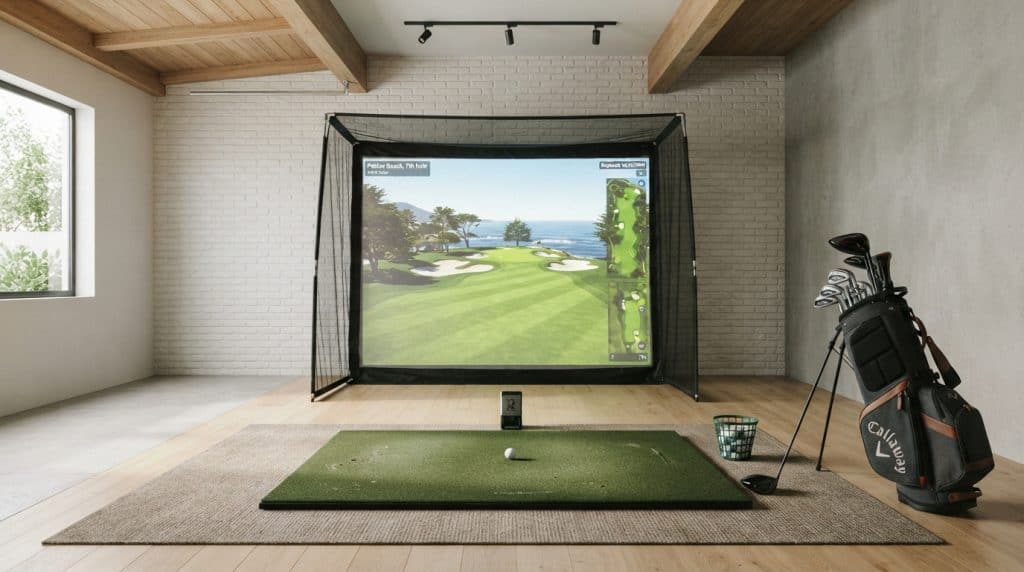
We recommend the Rapsodo MLM2PRO for golfers building a compact home practice setup who want swing video and detailed ball data, because it combines dual cameras with radar and supports both iOS and Android. Among the best indoor golf simulators for small spaces, portable launch monitors offer an appealing starting point: you can pack away the electronics after practice. The hitting area still needs enough clearance for your club and safe ball containment.
Our recommendations compare documented features and setup requirements. Four picks provide shot tracking or virtual-play features; the HOMEVOL system supplies the physical net and screen. Before buying, check your ceiling clearance, the monitor’s required placement, and the distance between the ball and impact surface. For our lead pick, that means confirming the complete hitting layout before committing to its software membership.
Best for detailed feedback on iOS or Android: Rapsodo MLM2PRO
Best for iPhone-based swing replay: Rapsodo MLM1
Best for long battery life: Garmin Approach R10
Best for a projection-ready hitting enclosure: HOMEVOL 2-in-1 Golf Simulator Net System
Best for built-in shot readouts: Voice Caddie SC4 PRO
Rapsodo MLM2PRO
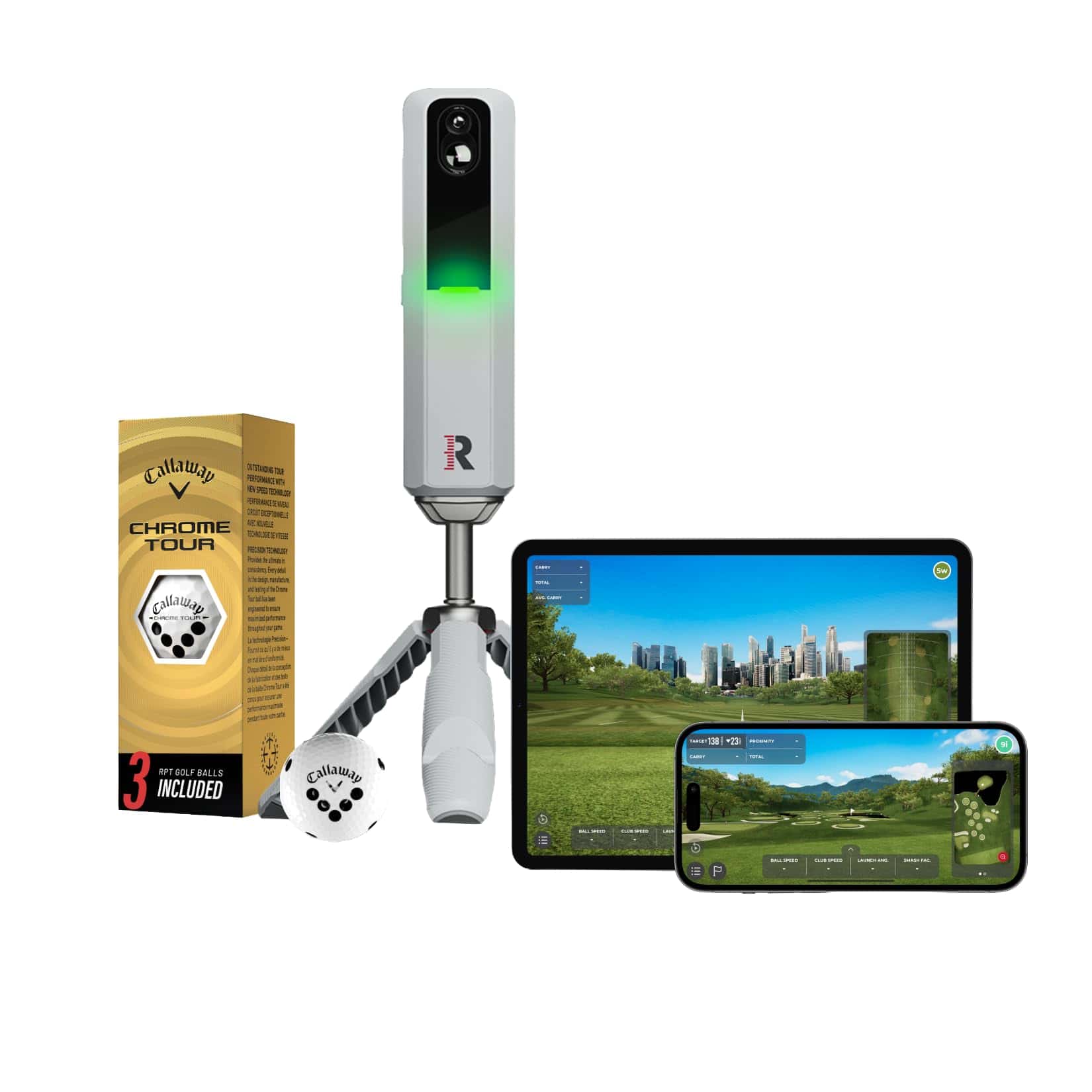
We recommend the MLM2PRO when detailed shot feedback and close-up impact video justify a connected practice setup.
Pros
- Dual cameras and Doppler radar.
- Spin-rate and spin-axis data.
- iOS and Android compatibility.
Cons
- Simulator courses and several training features require Premium.
- The compact unit still needs a properly spaced hitting area.
The useful distinction here is the combination of numbers and video. Slow-motion contact footage adds context to a poor strike, while spin-axis data helps explain the direction of ball curvature.
At roughly 1 pound, the monitor is easy to move between a home hitting station and the range. Its portability suits shared rooms, provided you have space for the full installation during practice.
The listing includes a 21-day membership trial. Before buying, check ongoing membership terms and the ball requirements for your intended tracking modes.
Rapsodo MLM1
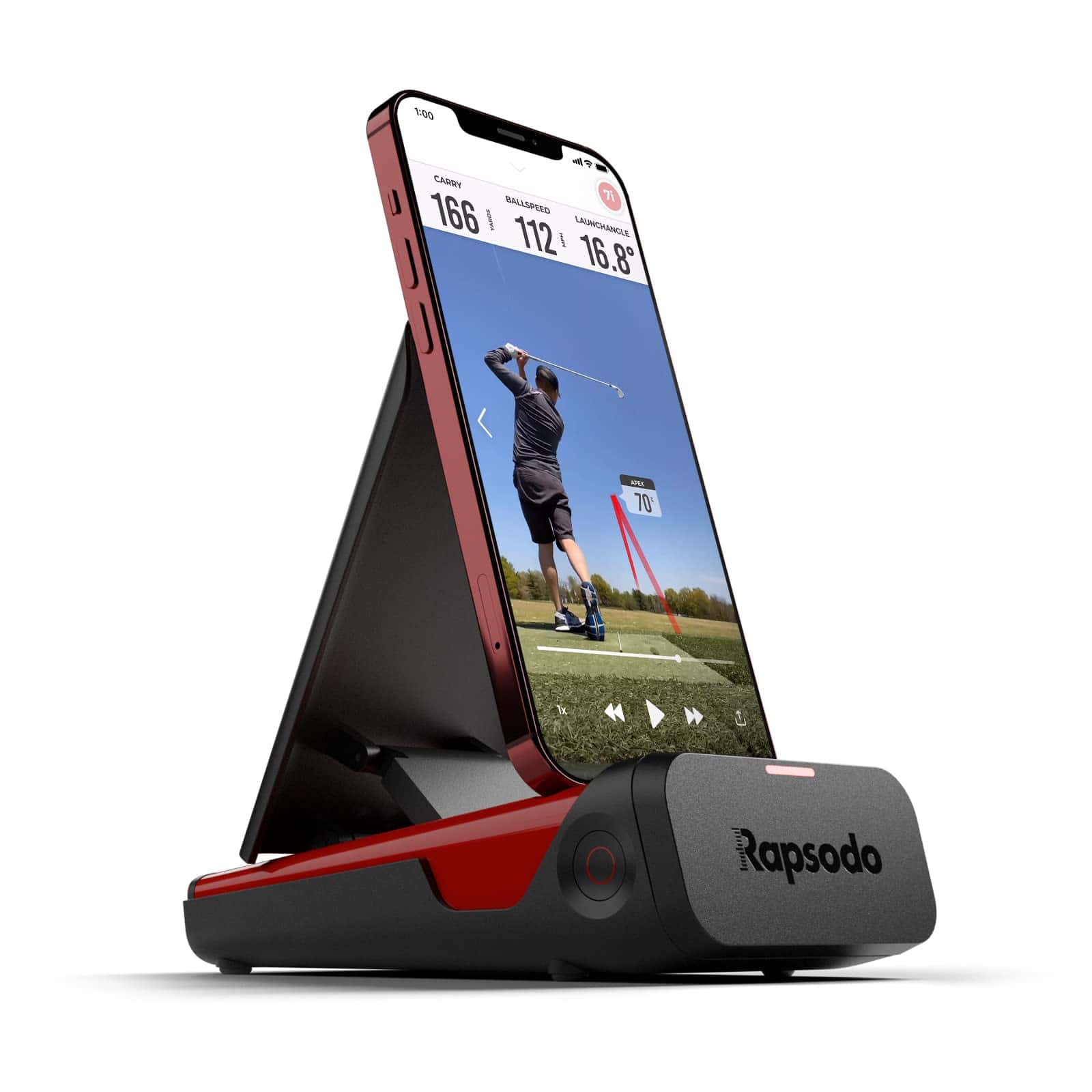
For golfers with a compatible iPhone or iPad, we favor the MLM1 for pairing basic shot data with recorded swing replay.
Pros
- Video playback with an on-screen shot tracer.
- Carry-distance, ball-speed, and club-speed feedback.
- Carrying case included.
Cons
- Requires iOS.
- Simulator courses and game modes require Premium.
The MLM1 uses your Apple device’s camera alongside radar tracking. That makes device compatibility part of the purchase decision, especially if you plan to dedicate an older phone to your practice station.
Its 0.4-kilogram weight suits a setup that comes out for a session and goes back into storage afterward. Indoors, allow space for the monitor and phone arrangement as well as your hitting net.
We see its strongest role as a practice companion for reviewing swings and learning yardages. Check the supported-device list and indoor setup instructions before choosing its permanent position.
Garmin Approach R10
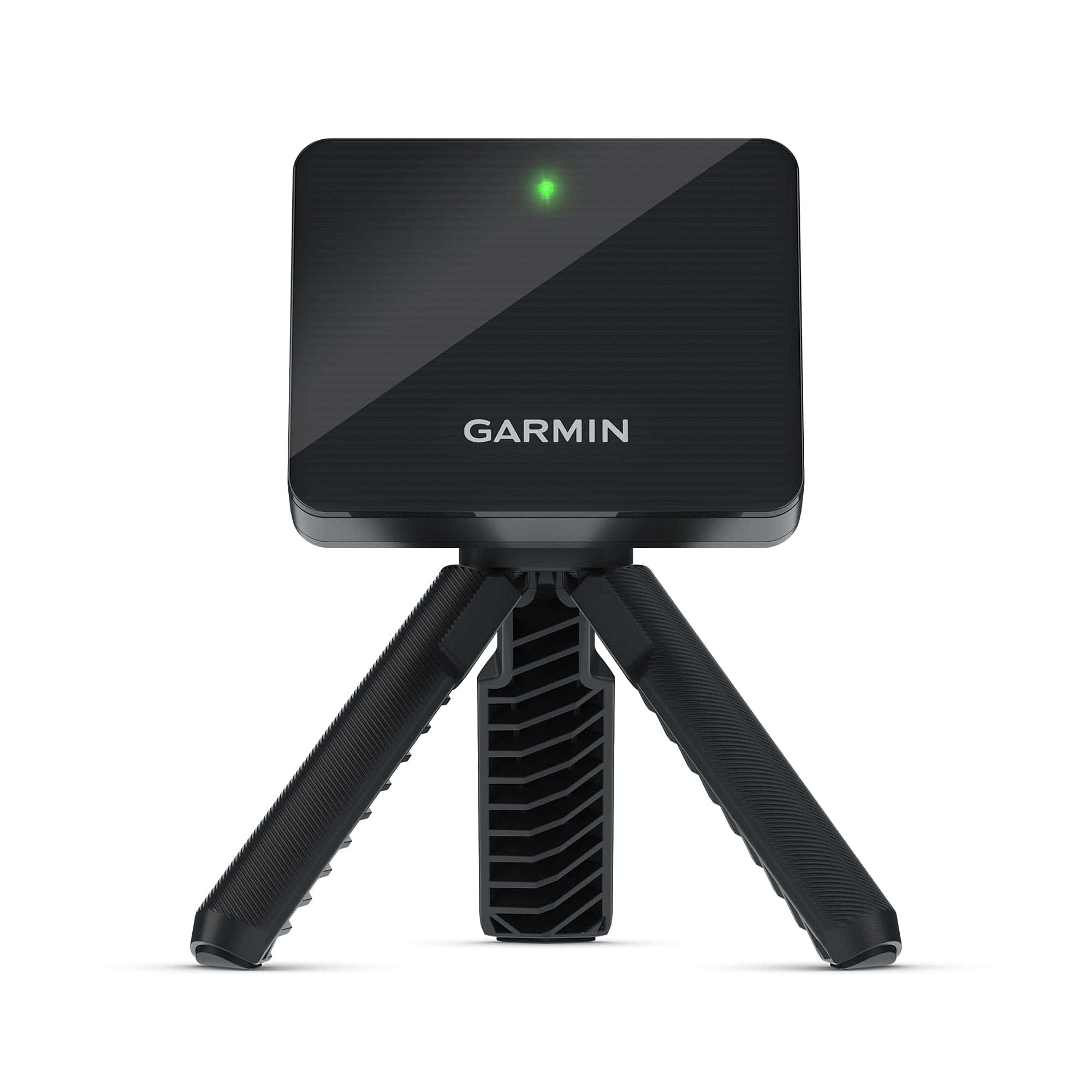
The Approach R10 is our pick for golfers who prioritize long battery life and frequent moves between indoor practice and the range.
Pros
- Up to 10 hours of stated battery life.
- Club-specific statistics and dispersion charts.
- Tripod, phone mount, and carrying case included.
Cons
- Virtual rounds require an active subscription.
- Dispersion charts use estimated ball flight.
The 340-gram monitor is easy to pack, and the included accessories help organize a temporary practice station. Its phone mount attaches to a golf bag, so consider where that bag will sit without obstructing your swing.
Through the Garmin Golf app, you get swing clips with associated metrics. Subscription-based virtual play covers more than 42,000 courses.
We value the battery specification for a garage without a conveniently placed outlet. For indoor use, check Garmin’s required monitor-to-ball and ball-to-net distances before treating its small housing as evidence of a small total footprint.
HOMEVOL 2-in-1 Golf Simulator Net System
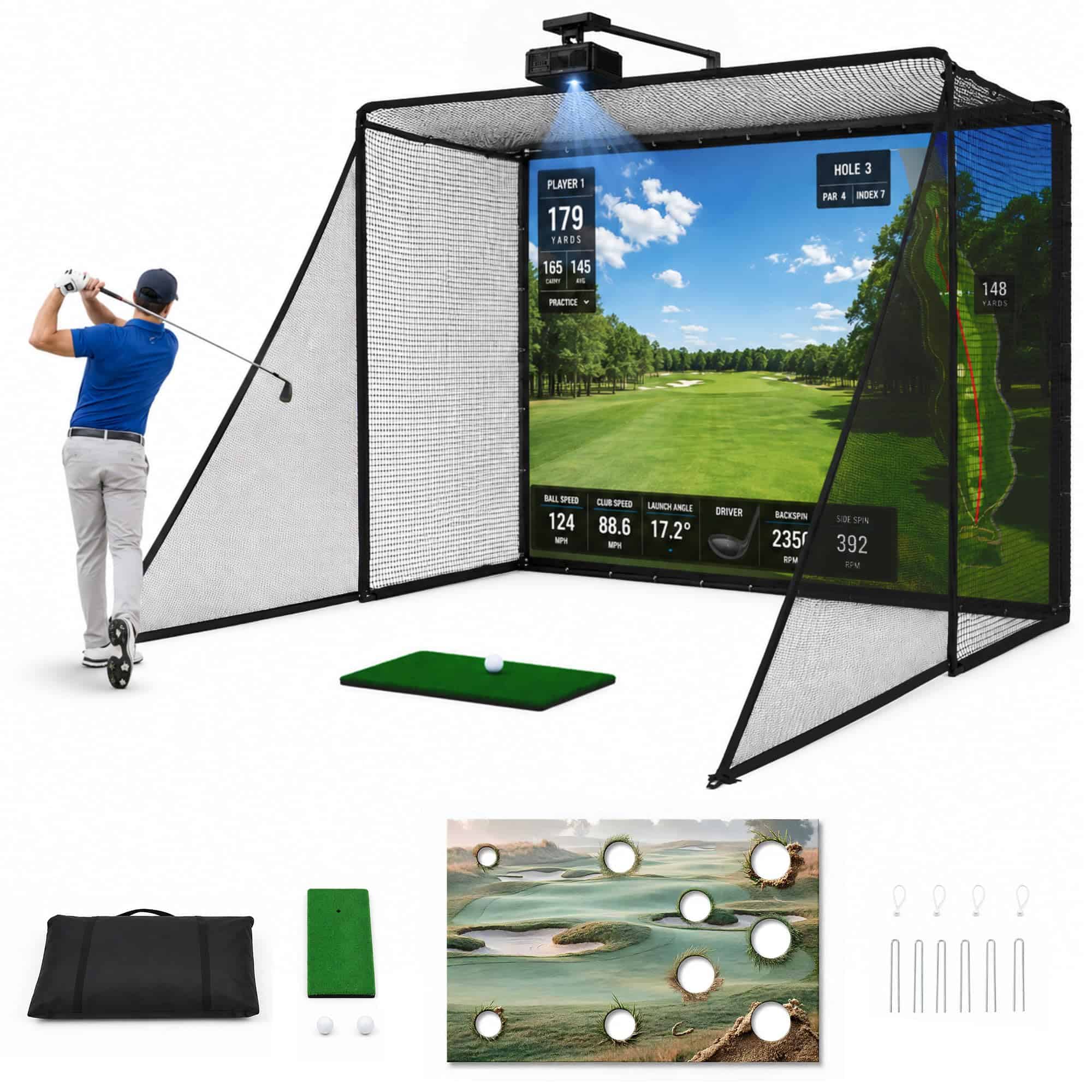
We would choose the HOMEVOL system for a dedicated practice area that accommodates its listed 10-by-8-foot size and a projection-ready enclosure.
Pros
- Impact screen and interchangeable target cloth.
- Top and side netting for added containment.
- Hitting mat included.
Cons
- Substantial space commitment for a shared room.
- Tracking and projected virtual play require additional equipment.
This pick supplies the physical hitting structure. The package includes a foam-padded steel frame and protective mesh, giving you a defined area for catching shots.
The target cloth supports practice before you add projection equipment. “4K-ready” describes the screen’s intended projection capability; image quality also depends on the projector and room lighting.
Our main caution is fit. The listed size alone does not establish total installed depth, clearance behind the screen, or room for your backswing. Confirm the assembled dimensions and placement instructions before ordering, including the space required outside the frame.
Voice Caddie SC4 PRO
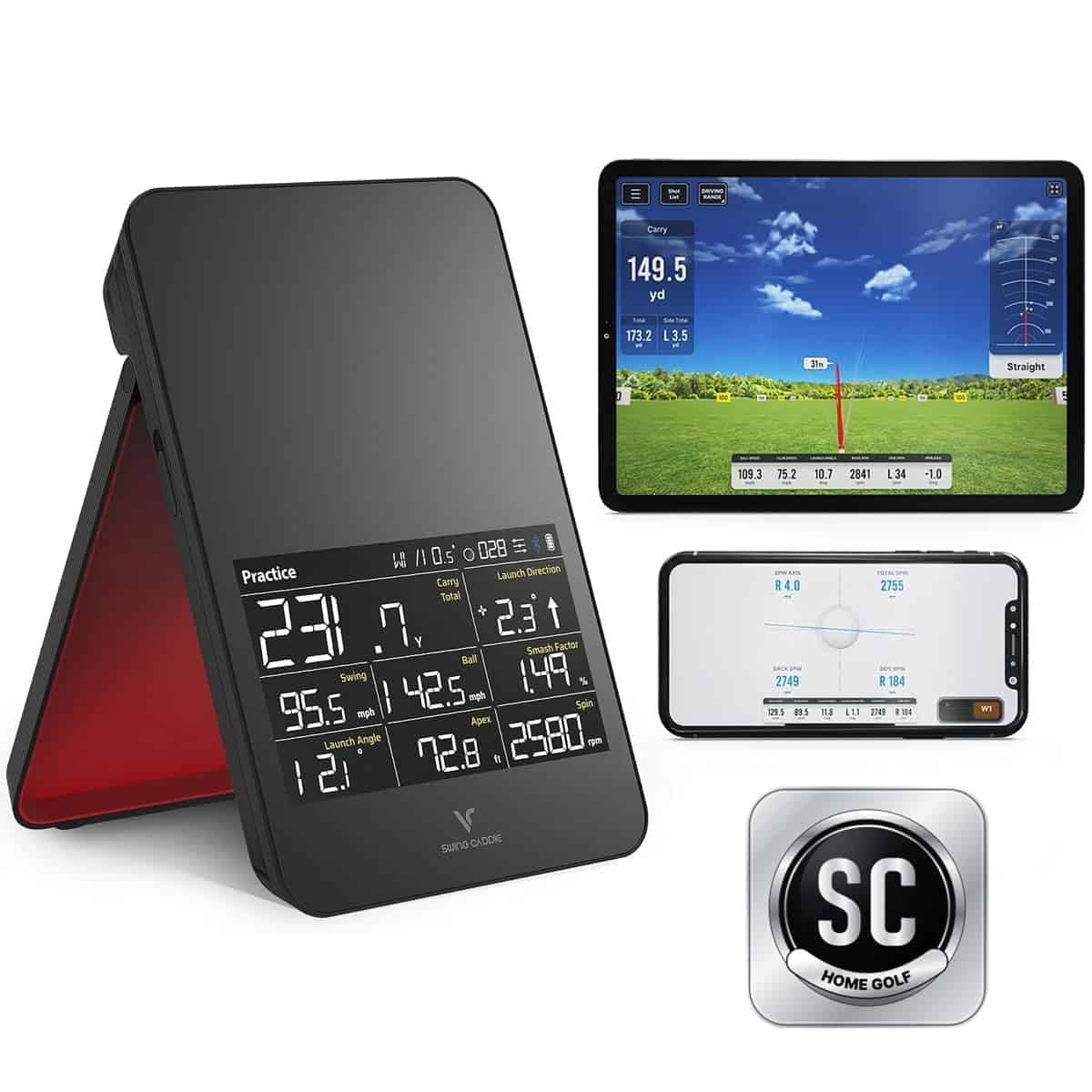
We recommend the SC4 PRO for golfers who want a built-in display and spoken feedback during practice.
Pros
- Onboard screen and voice output.
- Uses standard golf balls indoors and outdoors.
- Practice, target, and speed-training modes.
Cons
- Advanced analysis uses the companion app.
- The bundled HomeGolf access lasts one year.
The display gives this monitor a practical advantage in a cramped hitting area: you have a dedicated place to read shot information. Voice output also reduces the need to glance at another screen between swings.
The package advertises a 3D driving range and five E6 courses alongside its time-limited HomeGolf access. Check device compatibility and renewal terms for the software you intend to use.
We like its standard-ball support for straightforward practice sessions. As with the other tracking units, reserve space for safe ball flight and containment according to the manufacturer’s setup instructions.
Best Golf Simulators for Small Spaces Buying Guide
We recommend choosing by the complete installed footprint first, then matching the tracking and software features to your practice goals.
A compact monitor occupies little storage space. During use, the installation also includes your swing area and the distance needed for tracking. A net or screen adds its own frame dimensions and impact-clearance requirements.
| Check before buying | What to verify |
|---|---|
| Swing clearance | Ceiling height and clearance around your longest intended club |
| Tracking layout | Required device-to-ball and ball-to-impact distances |
| Ball containment | Side protection, overhead coverage, and clearance behind the impact surface |
| Device support | Exact phone or tablet model and operating-system requirements |
| Software access | Included modes, trial duration, and recurring charges |
Measure from the hitting position. We suggest marking the proposed ball location and mat height before checking clearance. Account for lights, garage-door hardware, and shelving. If both right- and left-handed golfers will use the space, check the swing envelope in both directions.
Follow the manufacturer’s placement diagram for the monitor. For rear-mounted radar systems, include the space behind the ball as well as the required flight distance ahead of it. Keep the phone stand and cables outside the club’s path.
Separate tracking from containment. Launch monitors provide shot information, while nets and impact screens catch the ball. For projected play, plan the projector’s throw distance and mounting position alongside the enclosure. An impact screen’s advertised image resolution does not establish the quality of the complete projection setup.
Check the cost after the trial. We recommend listing the features you intend to use, then checking which remain available after promotional access expires. Verify course-library access and third-party software compatibility before purchasing. For a shared room, also confirm the packed dimensions and which components require disassembly between sessions.

